
General information
-
We recommend creating a separate alea app account for each carer. This way, the app can be used optimally, as carers can share responsibilities for the care recipients and mobile documentation can be assigned to each individual carer.
-
However, it is also possible to create a shared account that can be used by several carers at the same time. This is an advantage if not all carers have a mobile device.
-
The decision on the end device and account structure also depends on the person responsible for care or the care setting (inpatient, outpatient or home care).
Instructions
|
|---|
|
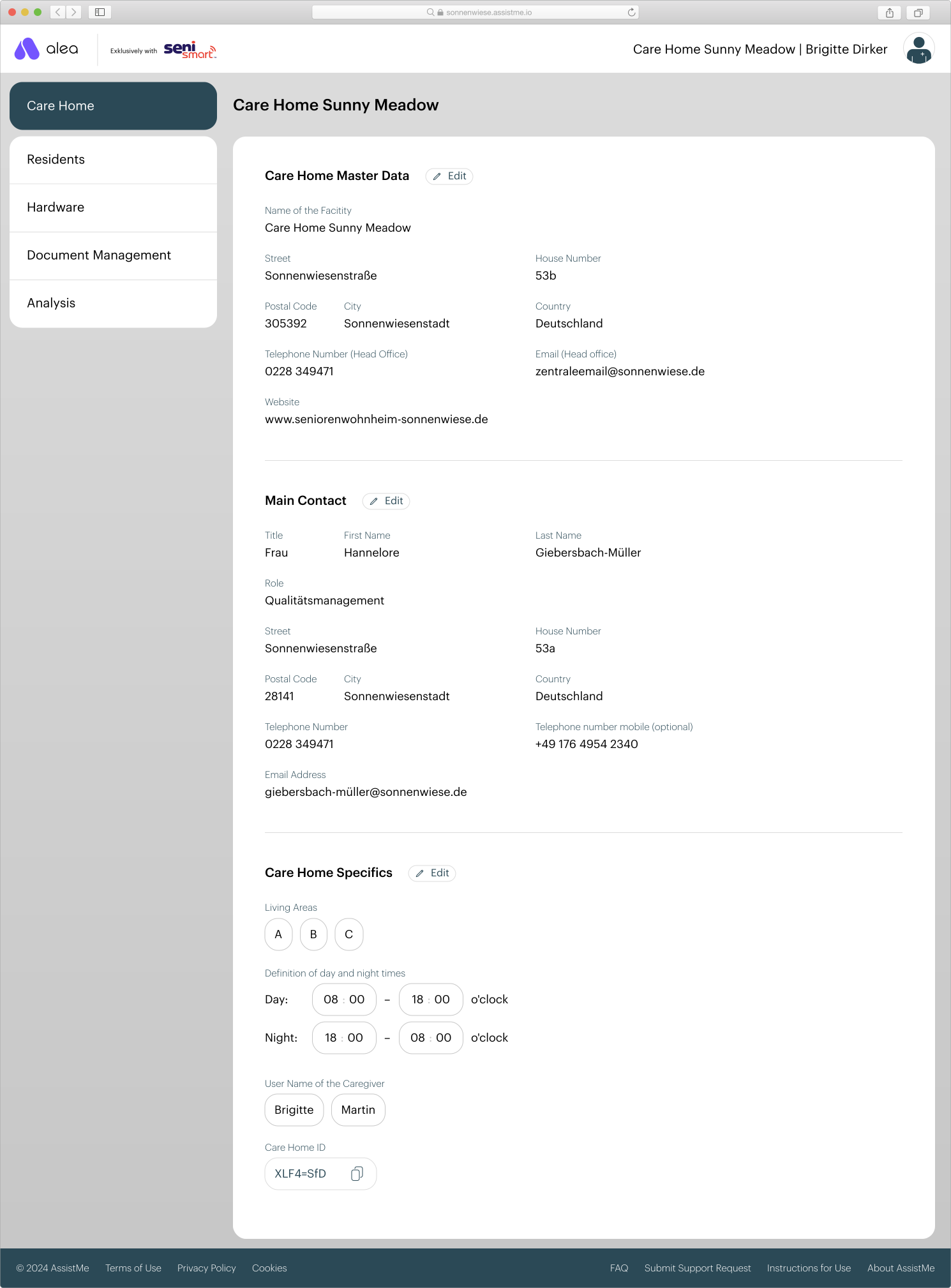
Step 1 of 2 |
|
|
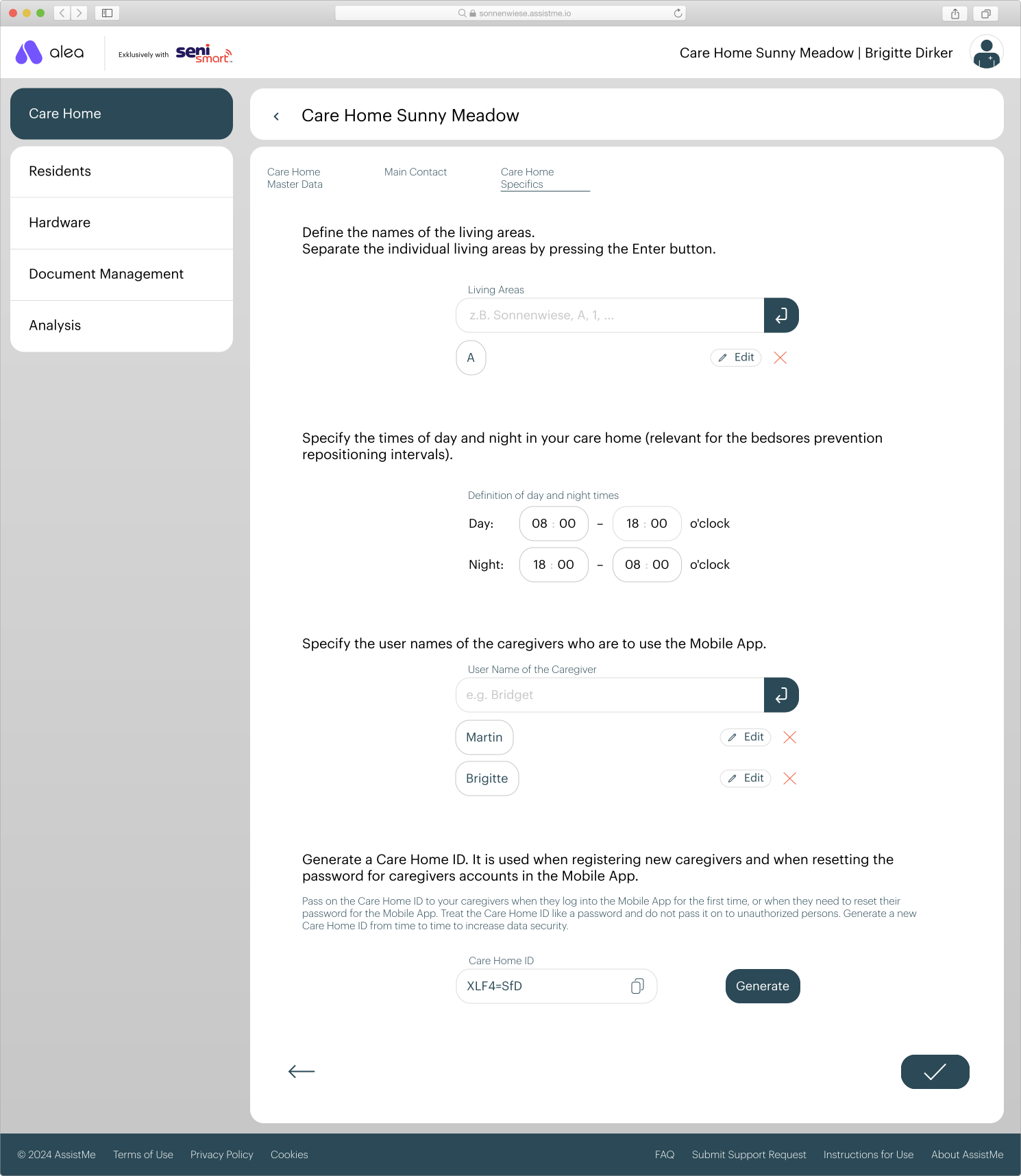
Step 2 from 2 |
|