
General information
-
The sensor strip can be attached easily, securely and manually to any ICP that has been tested by AssistMe. Please contact our support team to find out which brands and product lines are currently compatible with alea sensor strips.
-
The sensor strip does not directly measure the amount of liquid in the product, but physically recognises the respective amount of urine via the impedance (a special type of resistance).
-
Before you order the sensor strips, we will advise you via video tutorials, online training and in person so that you can order the right quantities and sizes for your needs
-
At the end, the sensor strip sticks to the outside over almost the entire length of the respective ICP - except for the pockets at the ends so that the clip can be inserted and closed according to its size.
Attaching the strip to the ICP
|
|---|
|
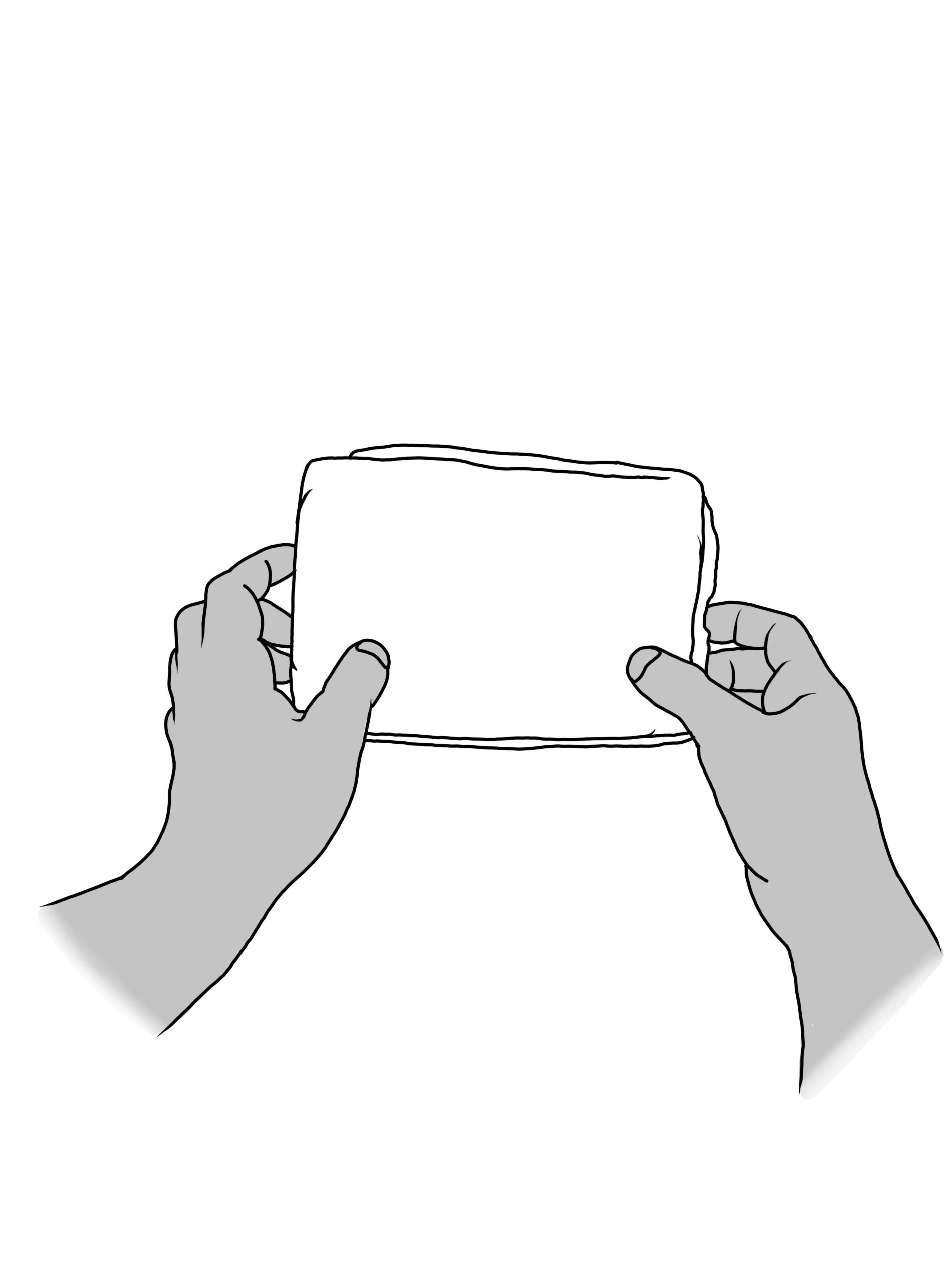
1. Unfold the ICP |
|
|
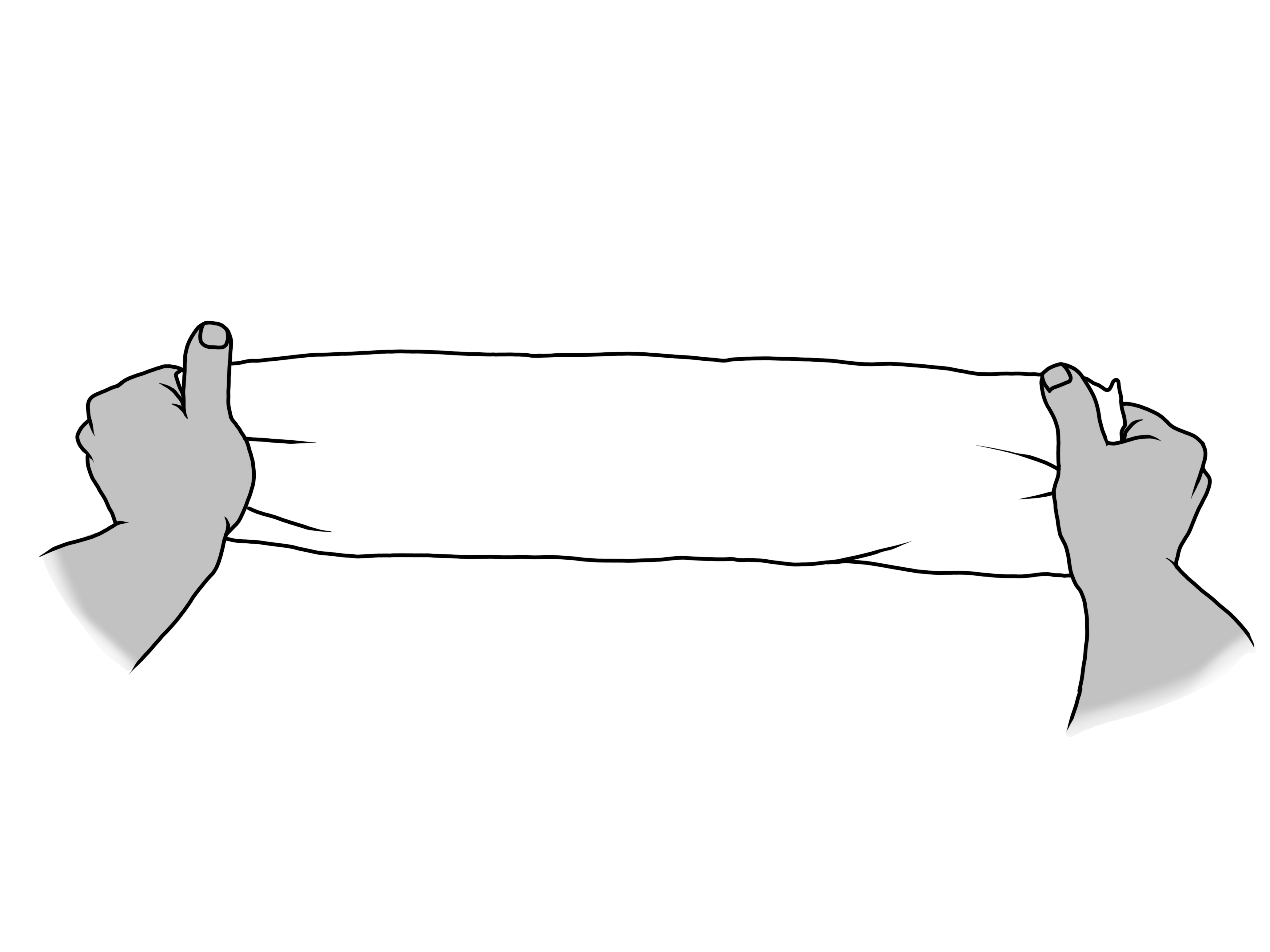
2. Unfold the ICP |
|
|
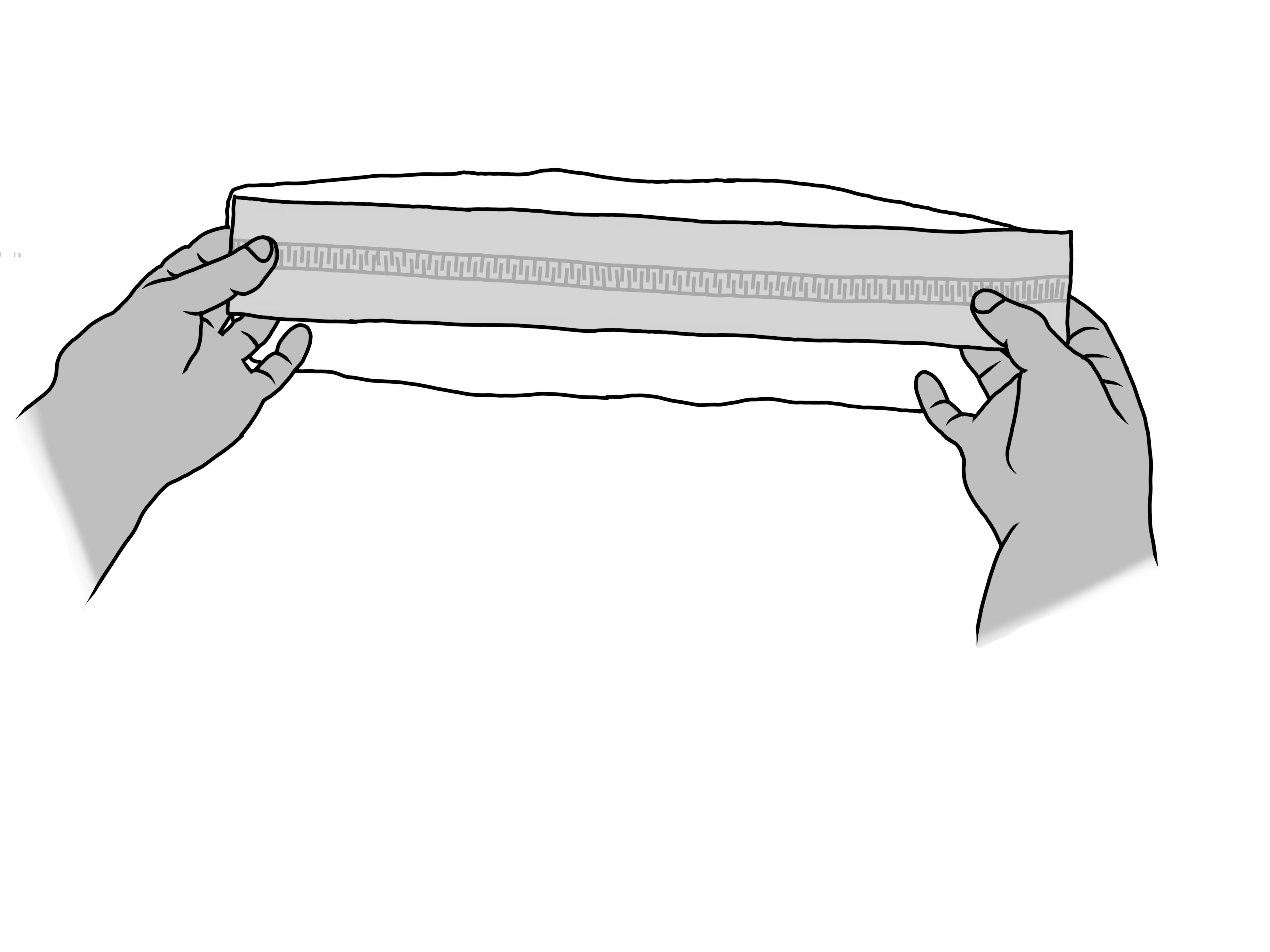
3. Take the sensor strip and remove the backing paper. |
|
|
4. Place the sensor strip in the centre of the ICP with the adhesive side facing down. |
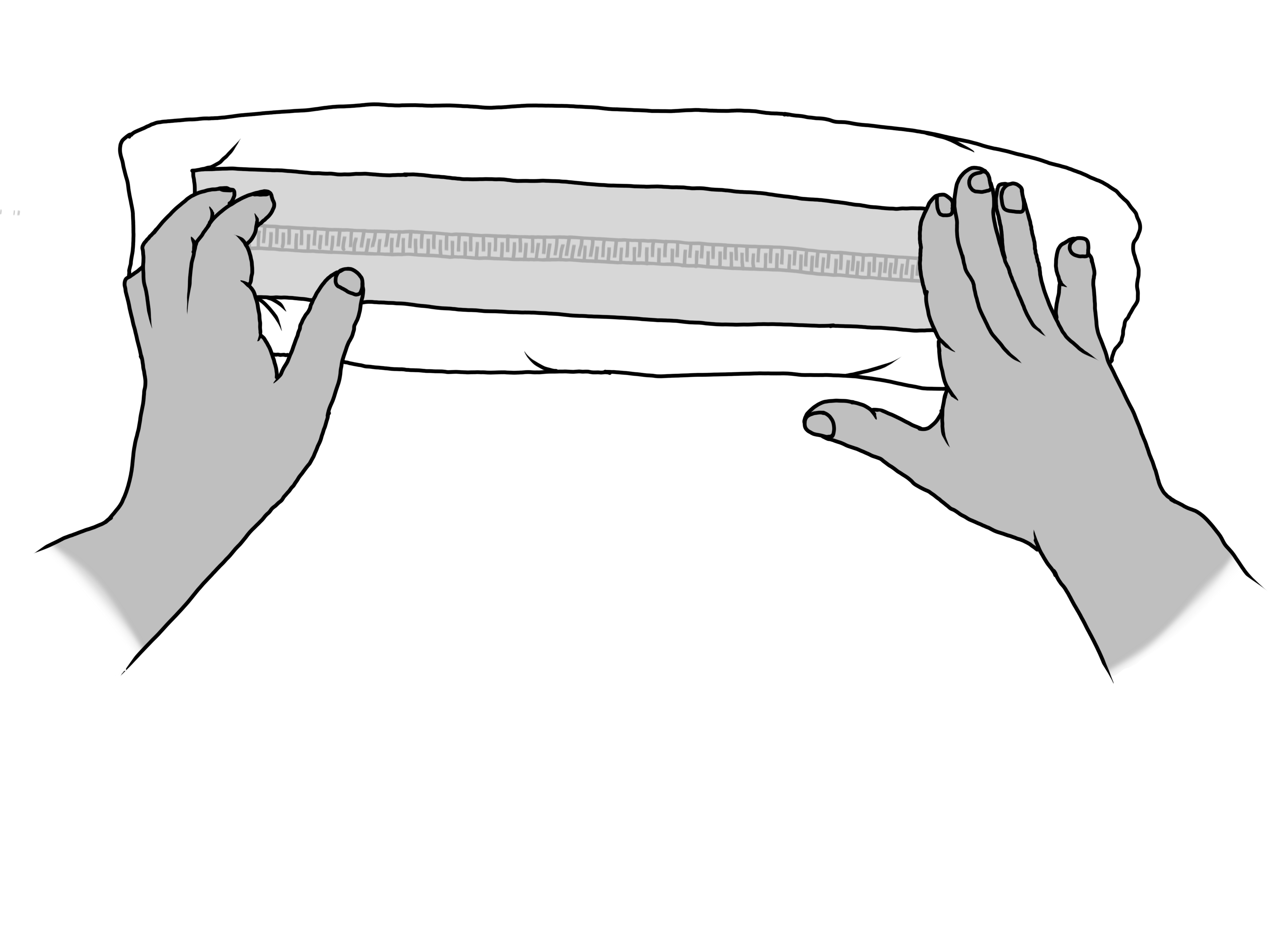
|
|
5. Press and stroke the sensor strip firmly with enough force. |
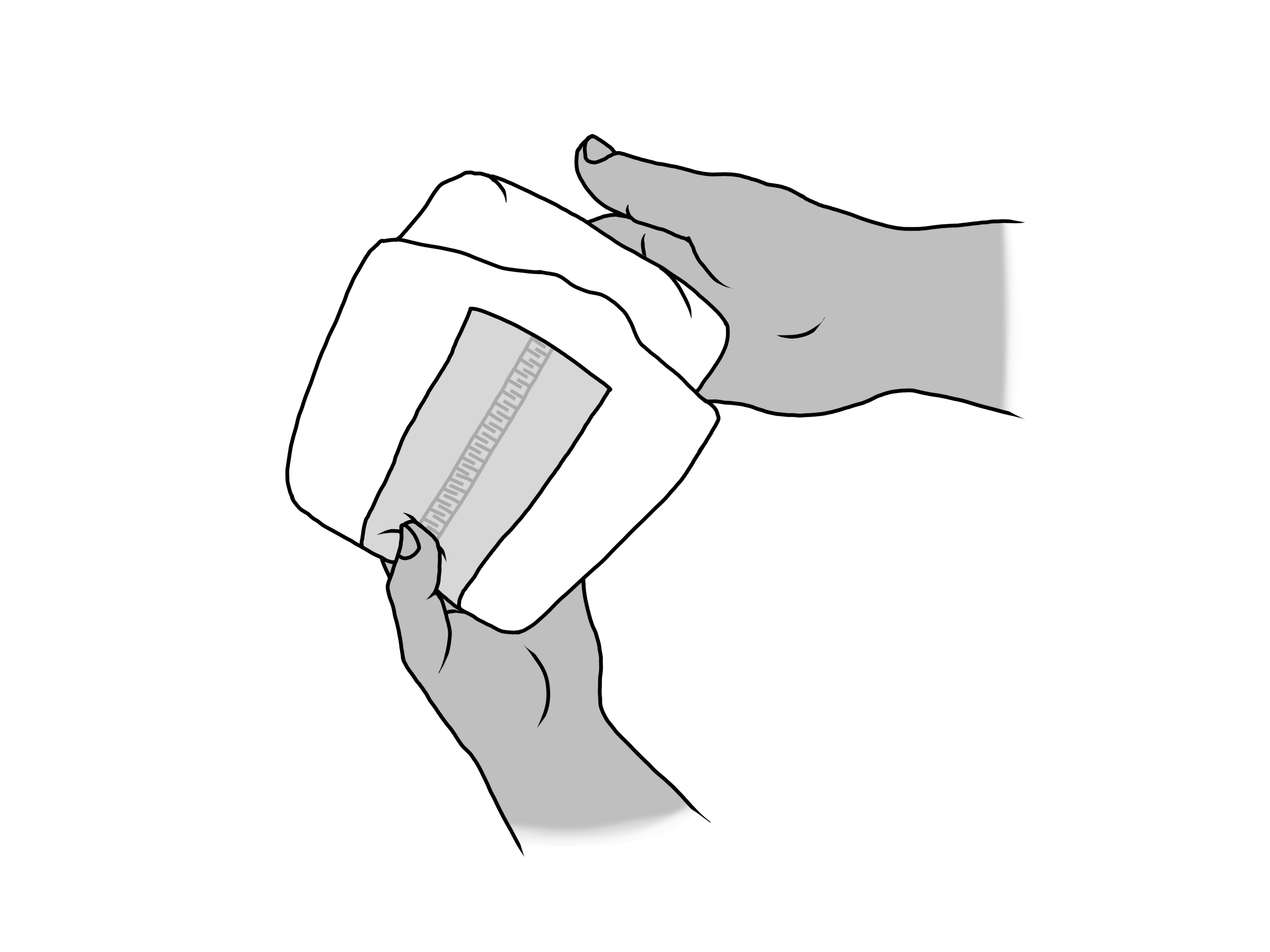
|
|
6. Insert the clip into one of the openings (clip pocket) and start using alea. |
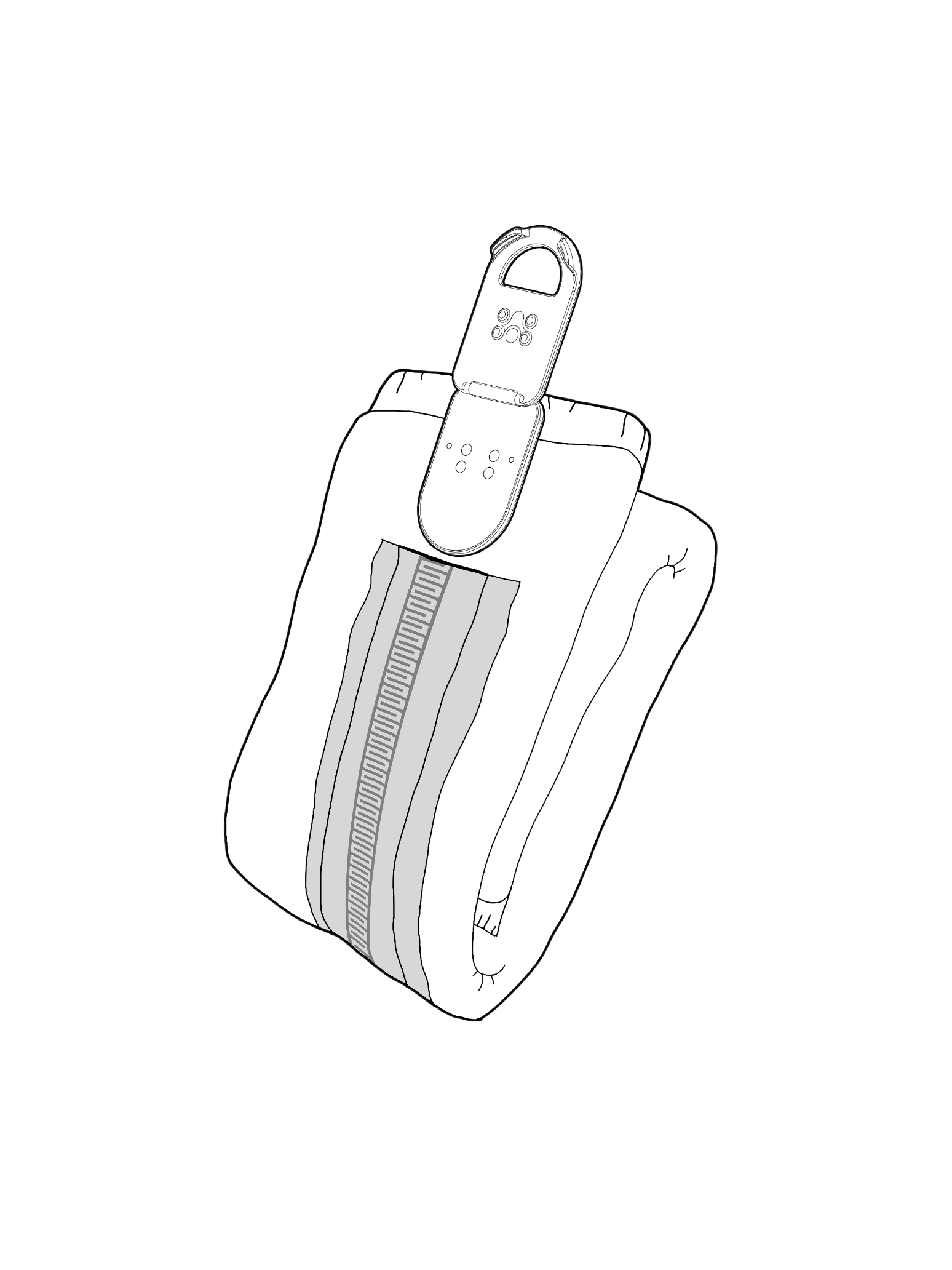
|