
Together with the alea app, the alea clip is the most important component for everyday use. Users only need to ensure that the smart ICP or ICP with manually attached alea sensor strip) is put on and taken off correctly.
Application notes
-
Remove the alea clip with the highest battery level from the alea dock.
-
The lower side of the alea clip with the gold-coloured sensor field is inserted into the prefabricated sensor pocket on the ICP up to the hinge.
-
The alea clip is attached to the pocket on the ICP by pressing the two halves of the sensor strip firmly together.
-
The alea clip has a slight resistance when closing, so make sure that the alea clip engages fully and clicks together noticeably.
-
When the alea-Clip is correctly closed, a blue LED signal appears, followed by a green LED signal, indicating that it has been correctly attached and the alea clip is now sending data to the alea app.
-
The ICP change can now be continued as usual.
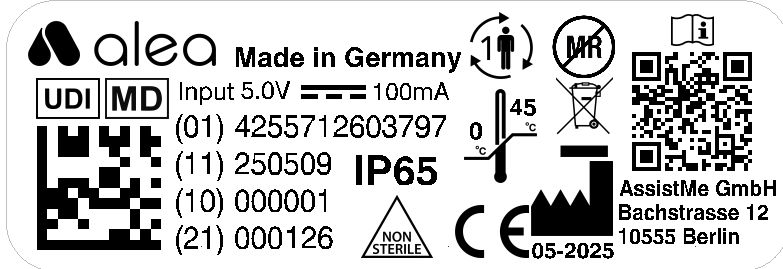
Official labels
The meaning of the respective symbols can be foundin these instructions for use
in the Section 1.1.4
Inside (top/outside)
|
|---|
|
Outside (bottom/inside)
|

|
Opening and closing the alea clip:
|
|---|
.png?cb=bf228e12696e5a8aa07f724f1c86788b)
|