Selecting your care setting
alea is suitable for all common care settings
The alea system is fundamentally suitable for all care settings (or care contexts, care environments).
The differences in use between, for example, home care and inpatient care become particularly apparent when using the alea software for the respective users. In order to use alea with the correct functional views appropriate for the respective care setting, alea app users select the area in which they provide or receive care when they first register in the alea app. As a rule, they also assume the role of the customer (care facility, policyholder, guardian or caregiver, etc.).
The manufacturer and its authorized partners usually deliver alea to all customers and users of every care setting preconfigured so that alea app users can register correctly and in a context- and application-specific manner.
|
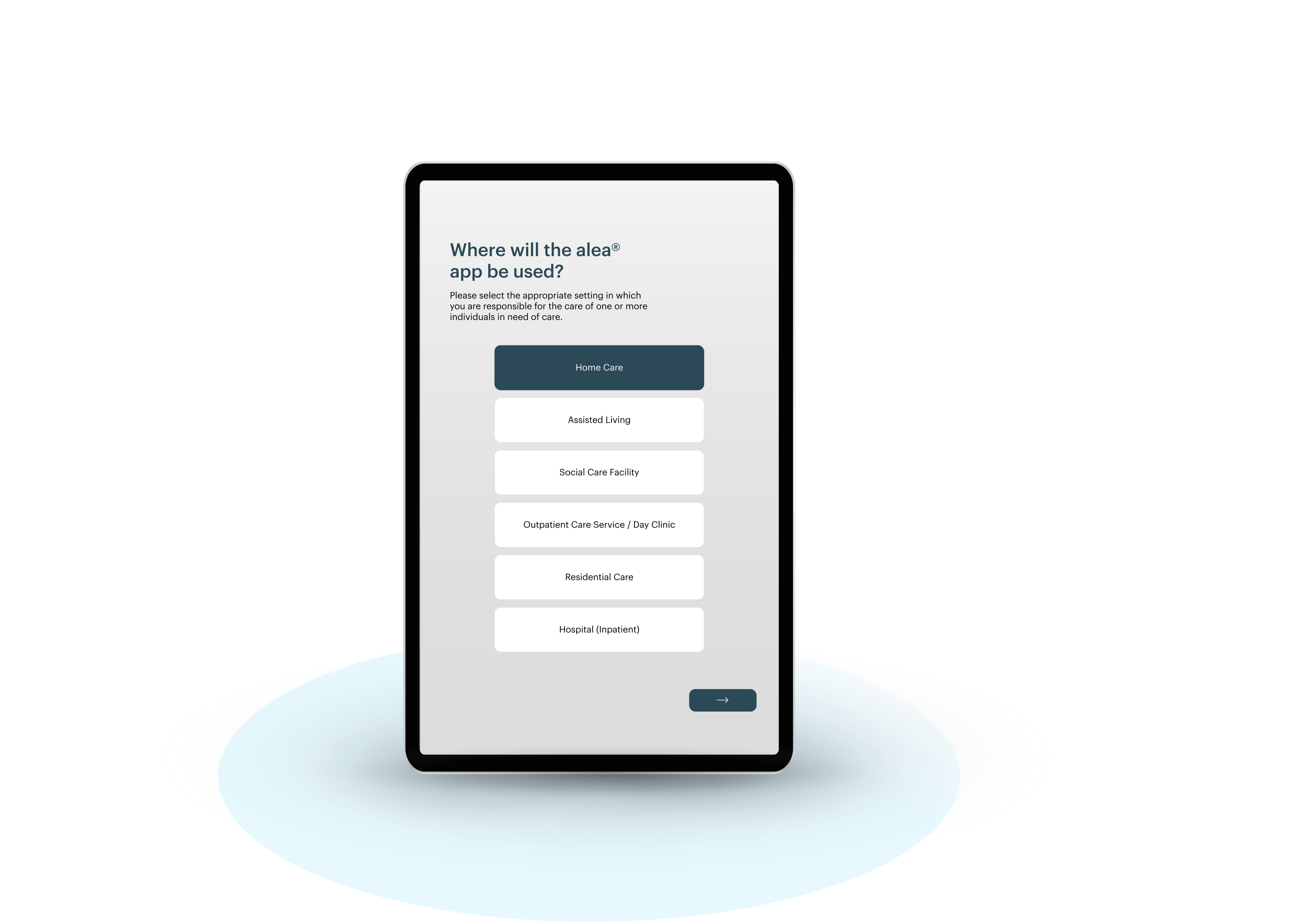
Selecting the care setting for your facility |
|---|
|
Home care You should select this care setting if, for example, you are the care recipient yourself, a family caregiver, or have similar care responsibilities for a care recipient in a (mostly private) home environment—in order to use alea to support or enable independent living or to increase the degree of independence. |
|
Assisted living Select this care setting if you care for and support elderly people or people in need of care who want to live independently but receive support when |
|
Social care facility Select this care setting if you are a caregiver or nursing professional responsible for the care of a care recipient in a care facility. |
|
Home care service/day clinic You choose this care setting if you work in an outpatient care setting (e.g., outpatient, mobile home care service) and are responsible for a care recipient or have comparable care responsibilities for a care recipient in a day-based or home-based care setting. |
|
Inpatient care Select this care setting if you provide care in a nursing and retirement home or work in an inpatient long-term care environment where you care for and support residents. |
|
Hospital (inpatient) Select this care setting if you are, for example, a nurse, nursing specialist, or nursing assistant in a clinical environment (e.g., hospital) and are responsible for caring for patients in various wards (e.g., neurology). |
Status overview
-
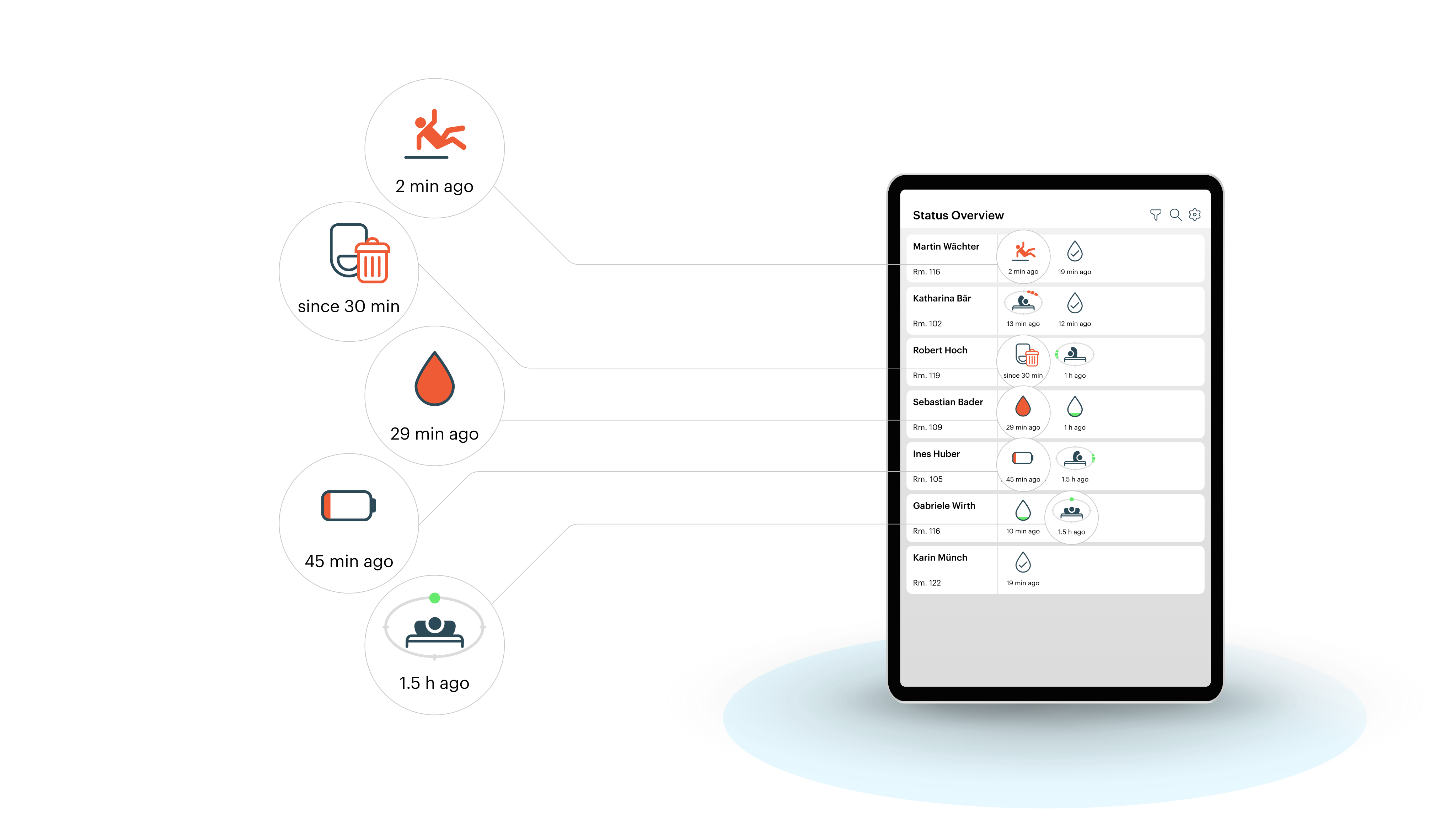
The functional center of the alea app provides a detailed overview of the respective care recipient status for each activated function.
-
This page is continuously displayed and updated.
-
The status bars are sorted by descending priority—care recipients with urgent event status are listed higher up than those with less urgent status.
|
Symbol |
Description |
|---|---|
|
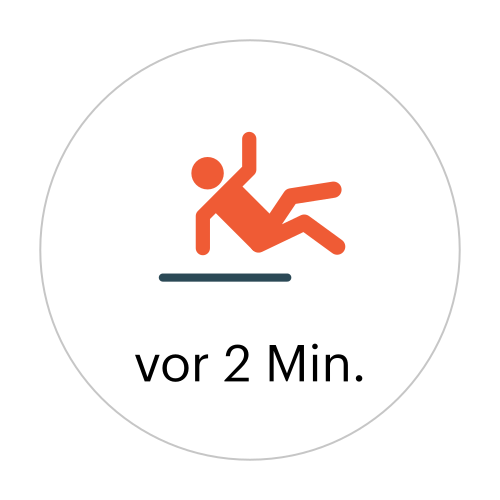
Suspected fall
|
|
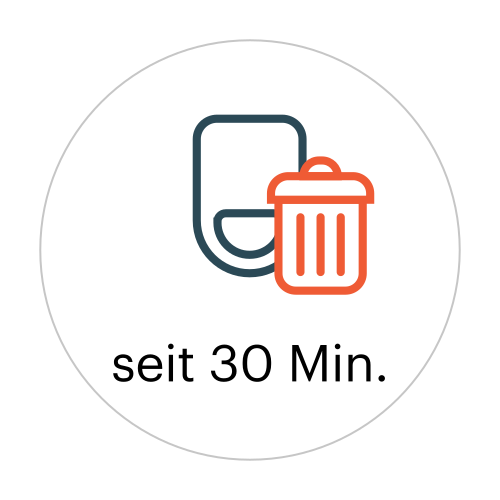
alea clip probably disposed of
|
|
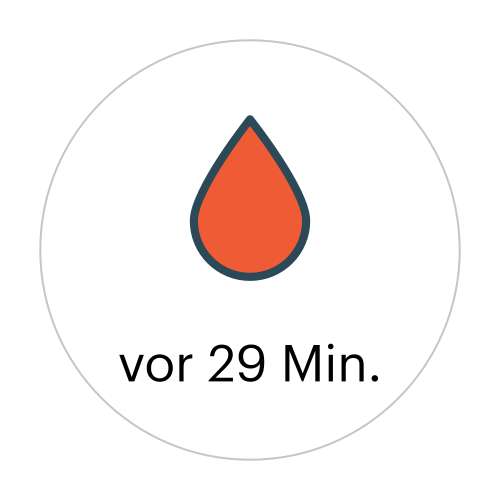
Urine level “Full”
|
|
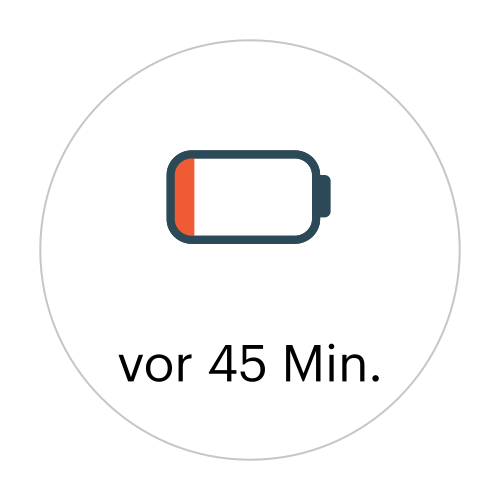
Charging the alea clip
|
|
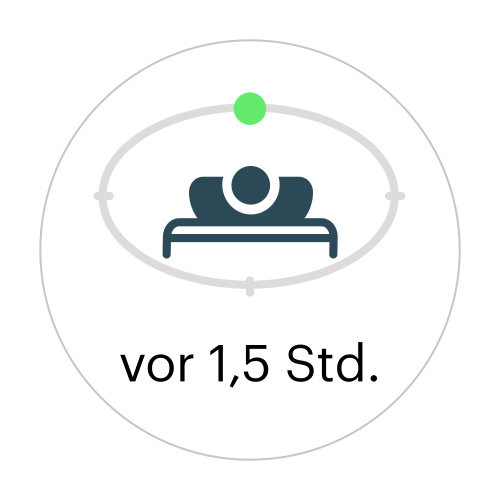
Movement onto back
|

|
|
Care recipient page
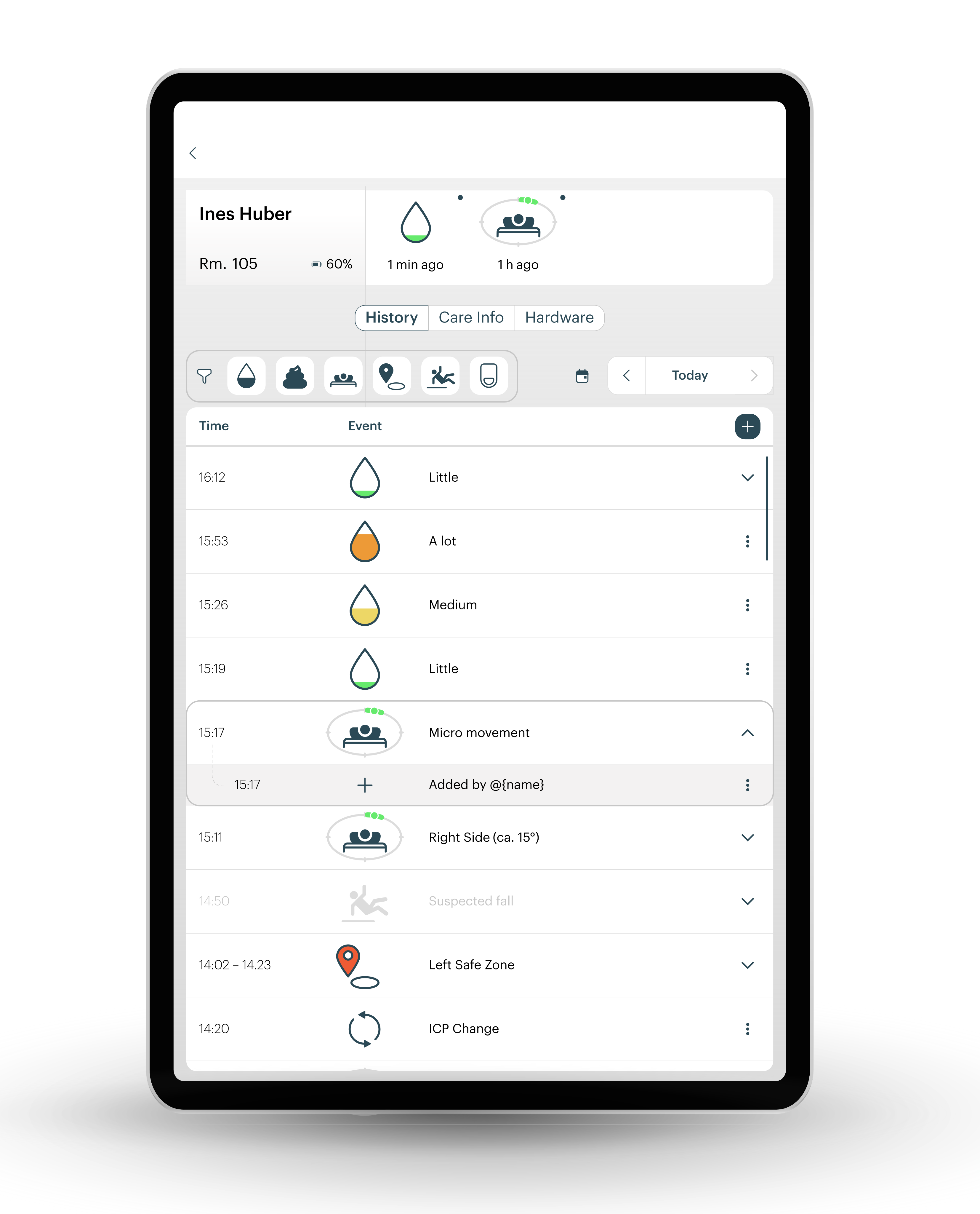
In this care recipient overview, you can view the current status, timeline, care information, and status of the assigned hardware for individual selected care recipients.
“History” tab
All events of the day are displayed here in chronological order. Manual documentation can be created, displayed, and then edited:
|
App aspect |
Description of the |
|---|---|
|
"Today" (top right) / (date selection) |
Display selection of the day |
|
“Filter bar” (center above the symbol overview) |
Filter by type of event (incontinence, pressure ulcer, safe zone, fall, system). |
|
“Detail view” (When clicking/touching a symbol) |
Detail view of a manually adjusted event (here in the view using the example “Micropositioning” at 3:17 p.m.) |
Maintenance info tab and hardware tab
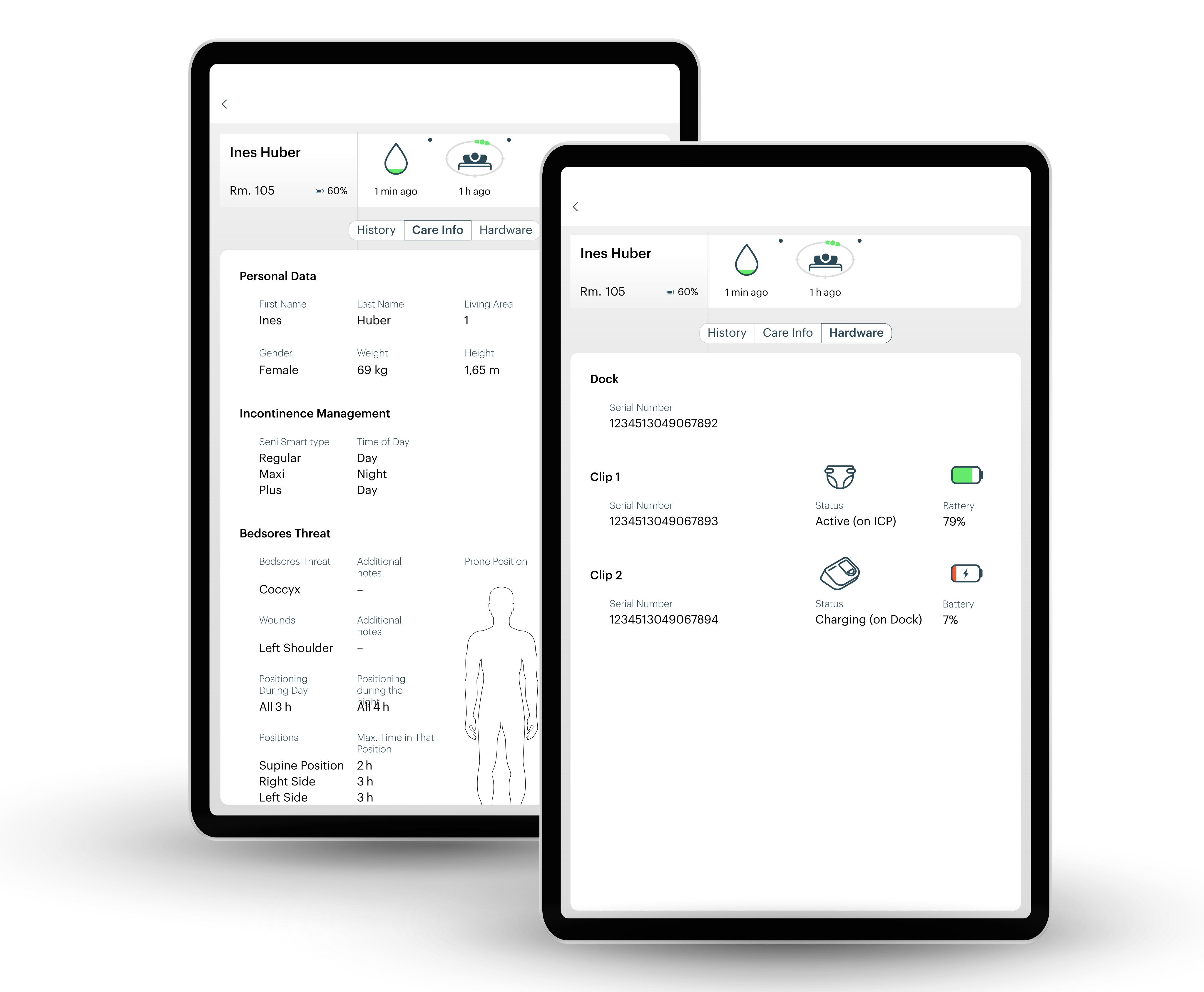
Right: In the Hardware tab, alea clips and alea docks are identified by serial number, and the battery level and status of the alea clips are displayed.
Selection
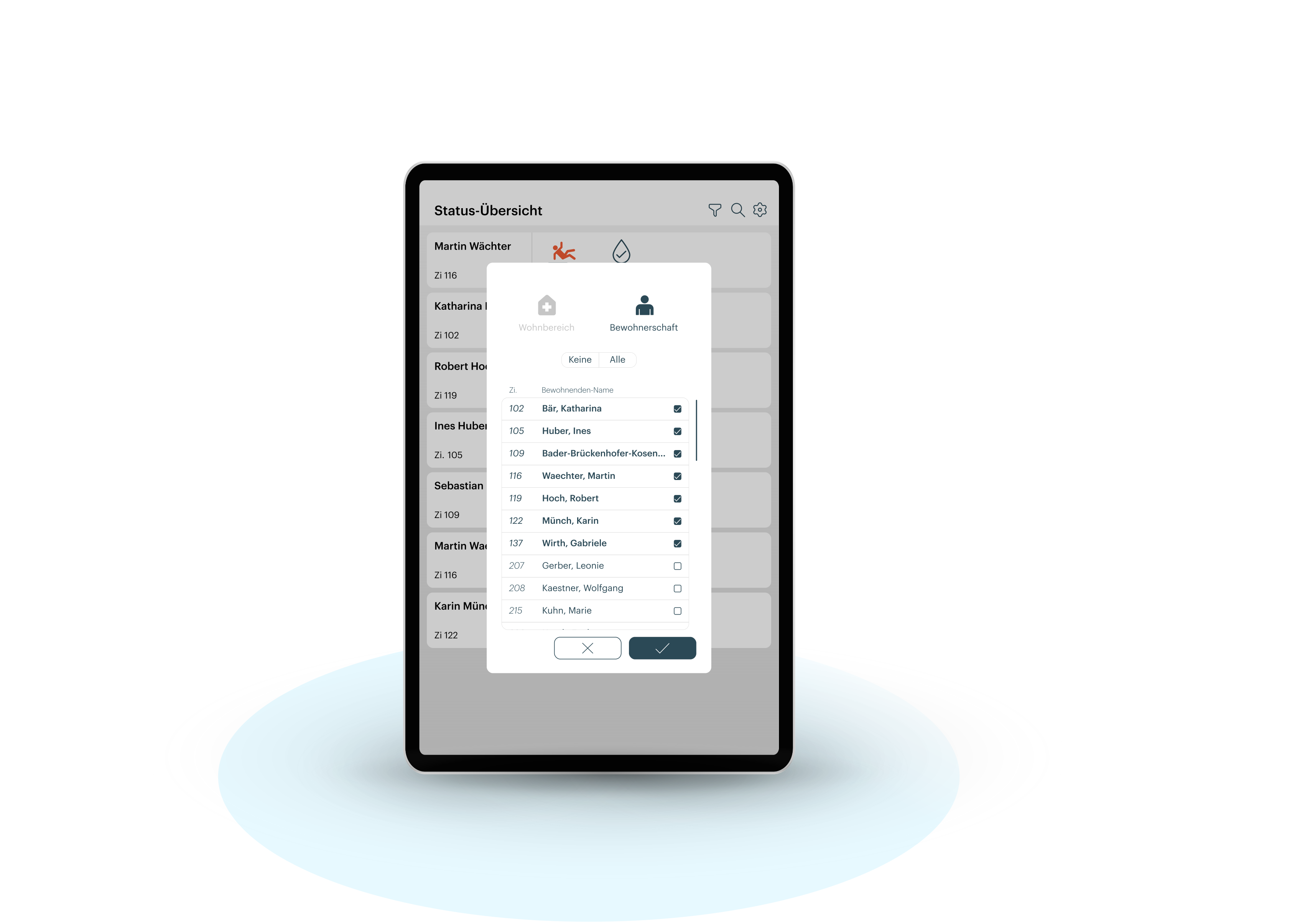
Settings