
Once the hardware has been placed, the installation can be checked by
-
a) automatically assigning the alea clips to the alea dock by inserting them into the dock and
-
b) checking whether the functionality is guaranteed.
|
Symbol |
Description of the |
|---|---|
|
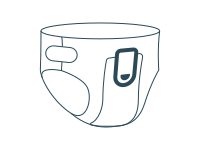
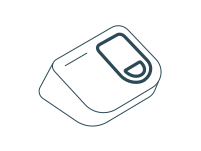
Clip ↔︎ Incontinence product / alea Dock
|
|
|
|
|
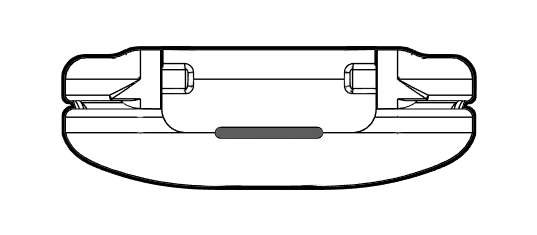
No light:
Solutions: a) Check the battery status in the app. b) Clean the clip. c) Take new IKP. d) Contact the person responsible for care. |
|
Clip ↔︎ Incontinence product |
|
|
|
|
|
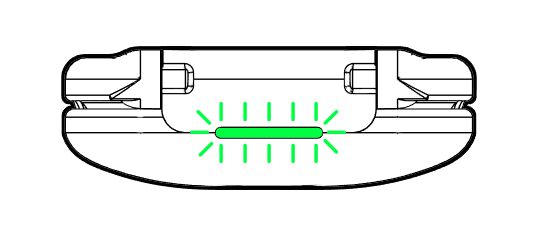
Green:
|
|
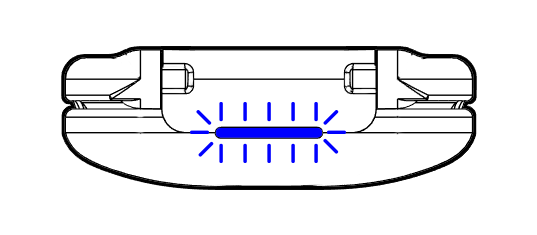
Blue (3x flashing): Clip searches for connection. After a few seconds, the status changes to green or red. |
|
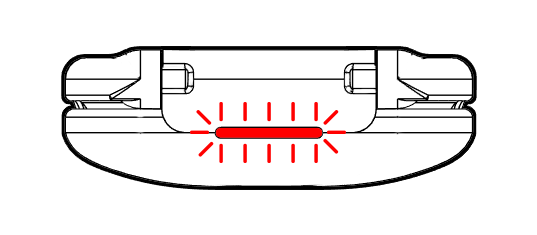
Red: Clip not connected. Solutions: a) Unplug and plug in again.
|
|
Clip ↔︎ alea Dock |
|
|
|
|
|
|
Green (flashing 3 times): Clip battery fully charged. Can be used for up to 24 hours. |
|
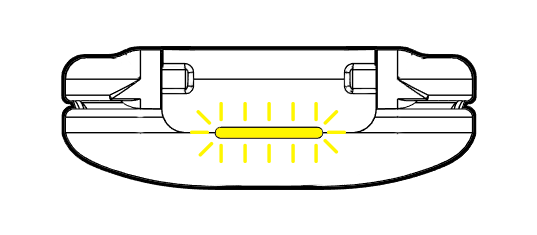
Yellow: Clip battery half charged. Use possible, full charge recommended. |
|
|
Red (3x flashing): Clip battery low. Charging before use is recommended. The clip is fully charged within 4 hours. |