
General note
-
The alea dock is placed near the assigned care recipient. As it is equipped with Bluetooth
Low Energy (BLE) wireless network technology, it does not need to be placed directly next to the care recipient. -
The best place is near a power socket and where the cable does not endanger anyone or interfere with daily work processes.
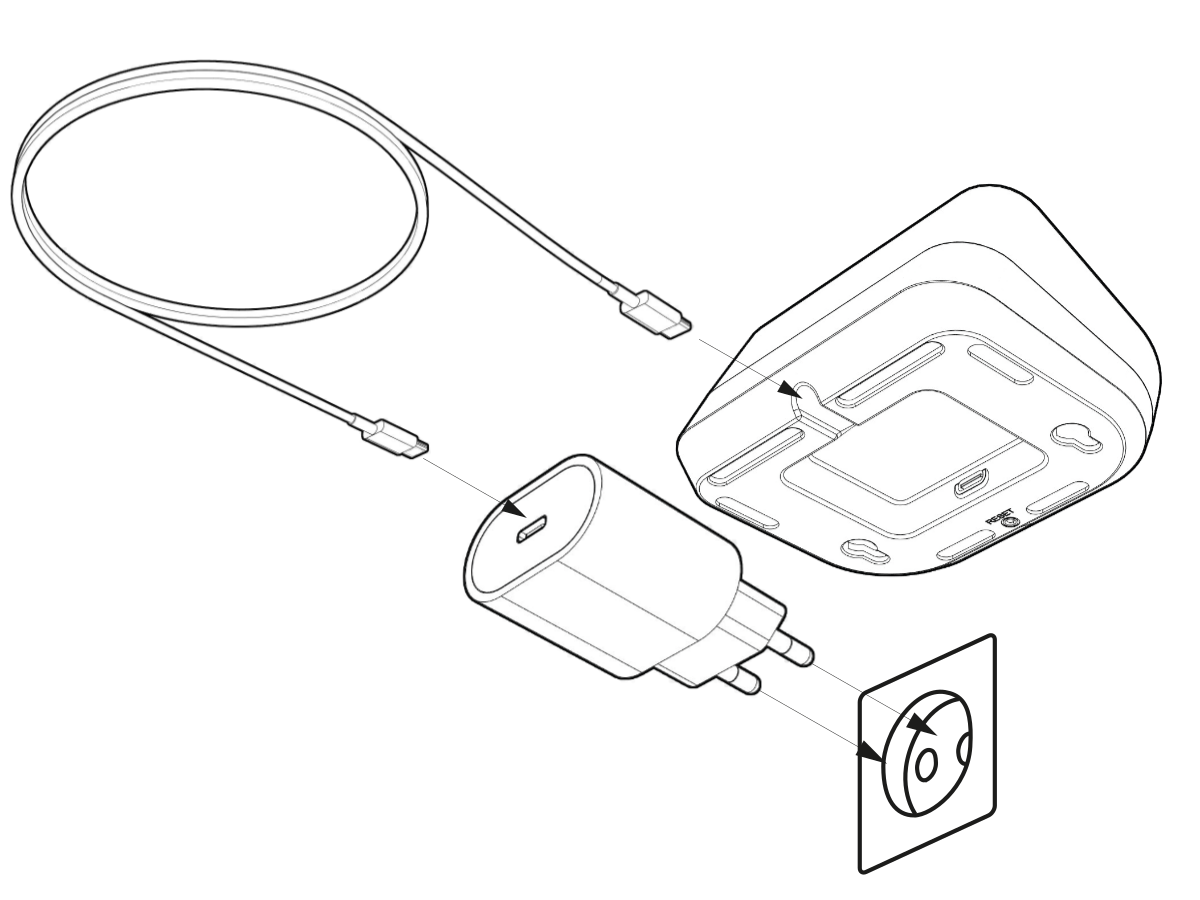
Switching the alea dock on and off
|
|---|
|
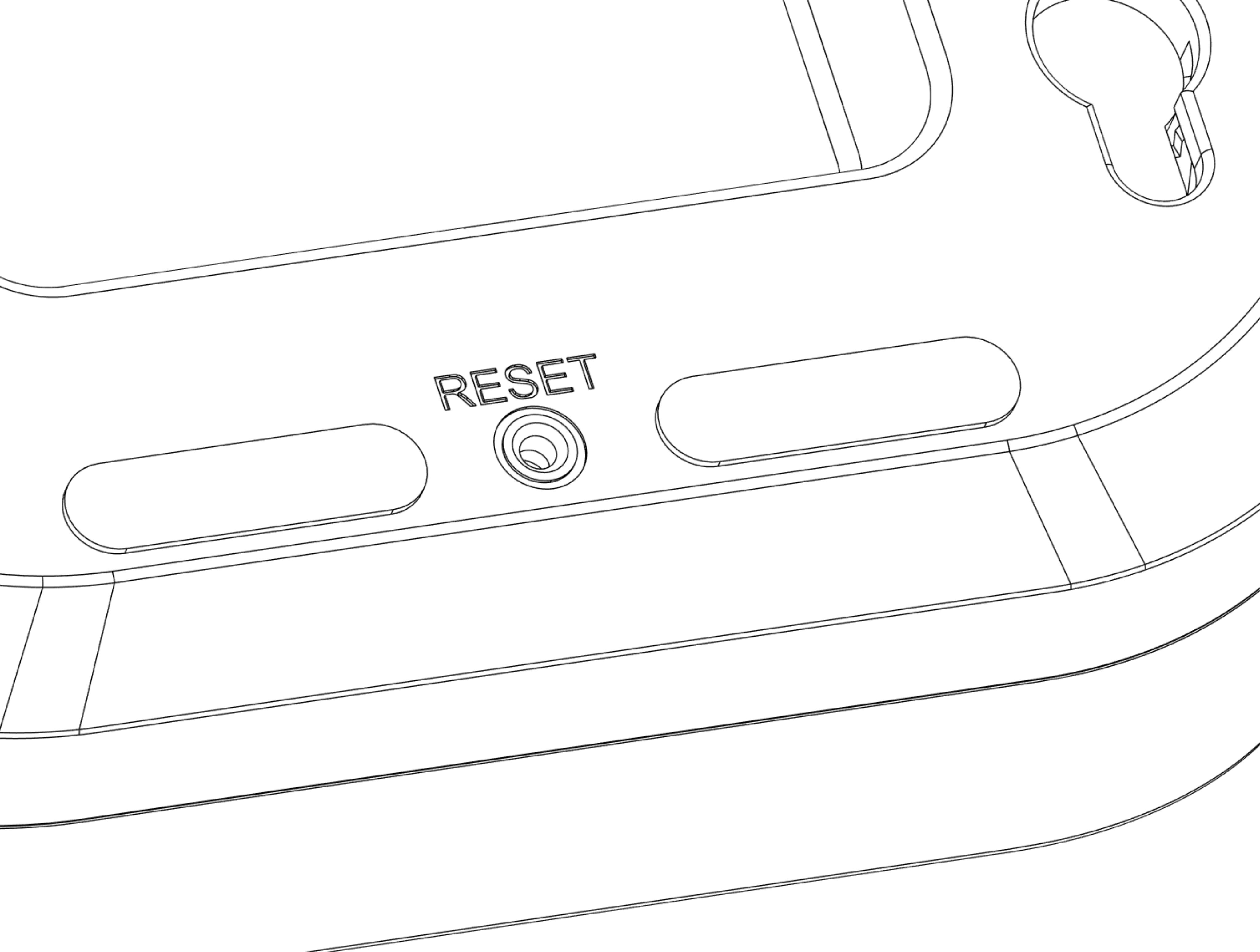
Resetting the alea dock
|
|
|
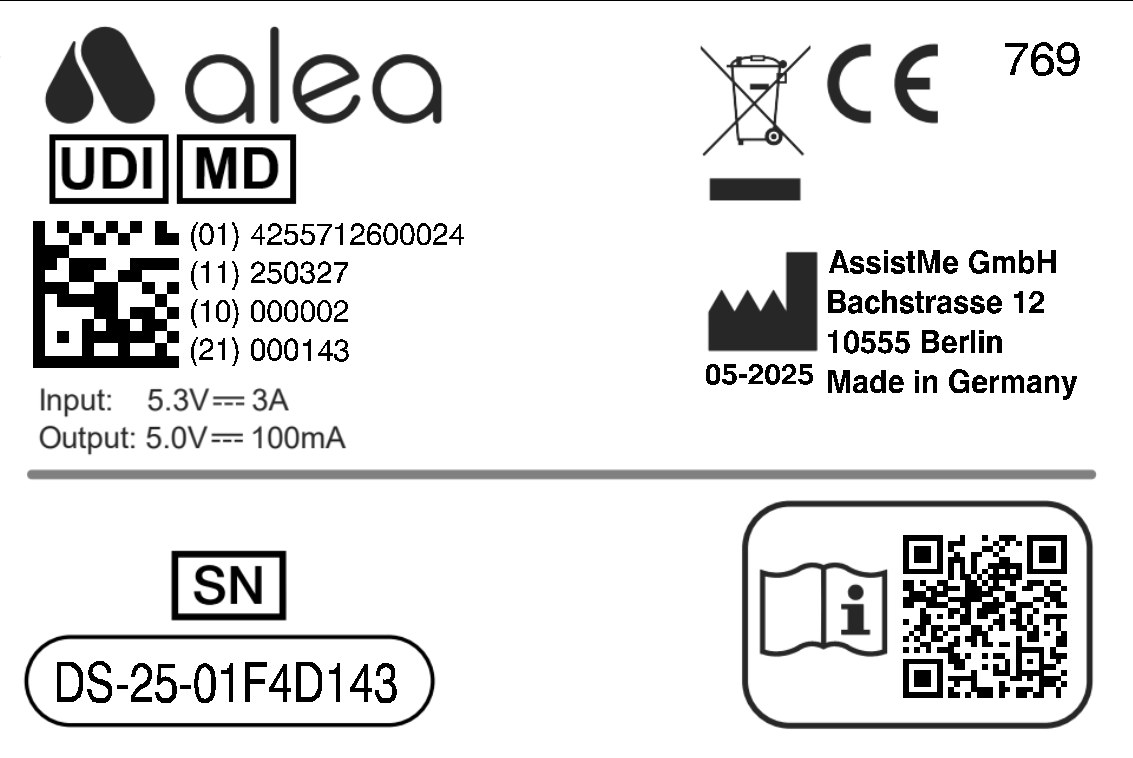
Recognising which care recipient the respective alea dock belongs to |
|
|
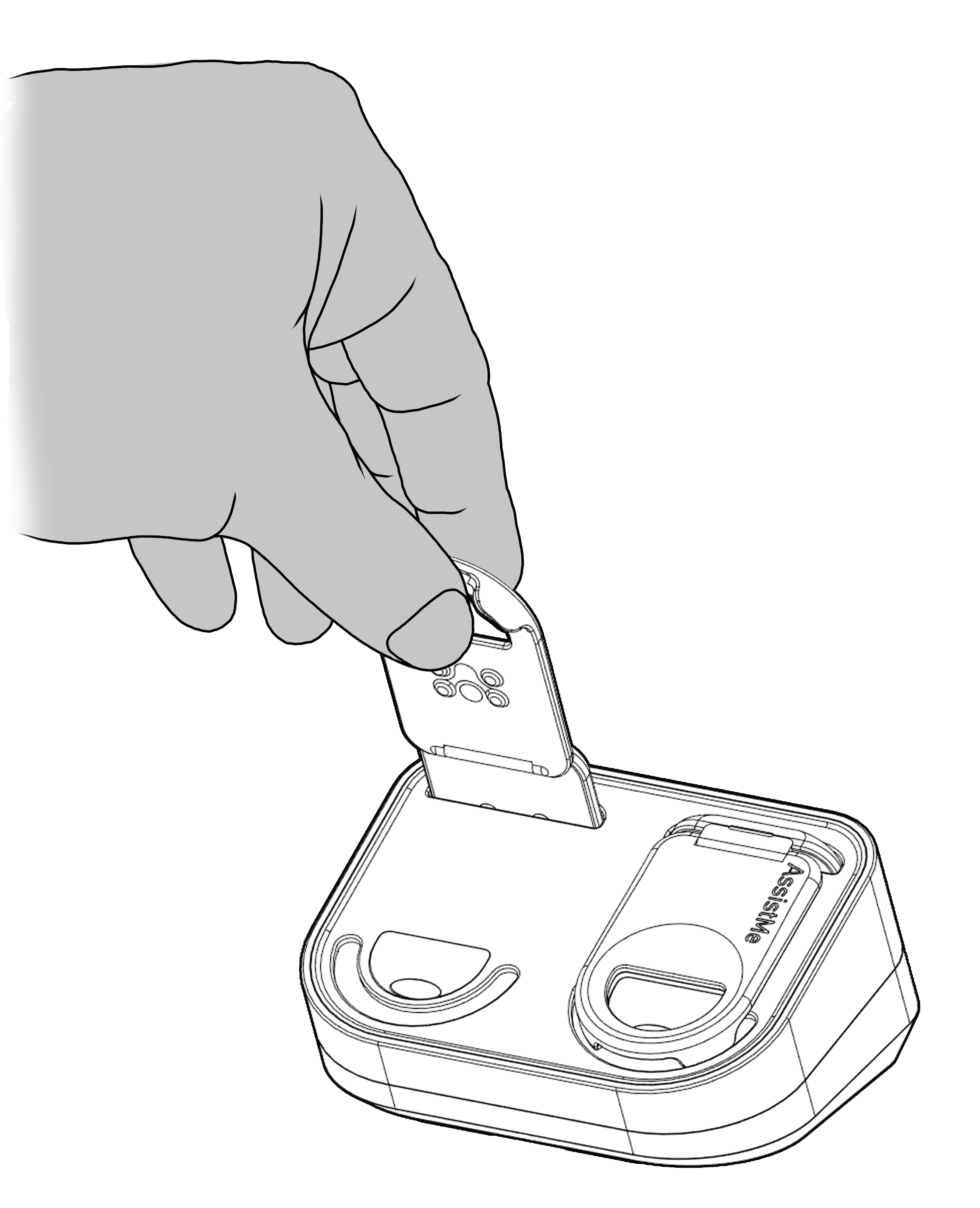
Insert alea Clip into alea Dock for charging, at the same time assign alea clip to the owner of the alea Dock |
|
Overview of usage instructions for the alea dock
Best placement of the alea dock at the care location or in the care recipient's room
-
In the immediate vicinity of a power socket and where no-one will be disturbed by the cable.
-
Ideally, the best place is within reach of the care recipient's bed so that the two alea clips can be replaced quickly if necessary.
-
Caution: No placement should take place in the bathroom or directly at the site of regular ICP changes.
-
And it should be at least 30 cm away from other electronic devices.
Cleaning the alea dock
-
Simply wipe the appliance with a damp cloth.
Disinfect the alea dock
-
Use disinfectant on a cloth and wipe it with it.
The power supply for the alea dock
-
is via the supplied cable and a standard socket.
-
The power cable should be securely fastened to minimise the risk of accidents.
-
Place the alea router on a stable surface and connect the cable to a fixed socket.
-
Connection to a multiple socket is technically possible, but is not recommended.
-
When using such devices, please observe the respective manufacturer's specifications, such as the maximum voltage.
When the alea clip has finished loading,
-
the clip briefly flashes green 3 times. I
-
If the clip is only half charged, the clip flashes yellow and if it flashes red, the battery status is low.
In case of problems with the connection
-
or if no colours are displayed when removing the alea clip from the alea dock, use a pointed object to press the reset button on the underside of the device.
-
Wait a few minutes and continue using the device. If the problem persists, replace the device in question with a spare device from your ward store and inform the AssistMe care manager.
It is important that the power connection is checked at regular intervals and in the event of specific functional problems!
An overview of all hardware components used
-
are displayed in the 'Hardware' section of the alea cockpit.
-
The current functional status of the respective device can be checked here. In the event of faults, the person responsible for care will be able to help.