
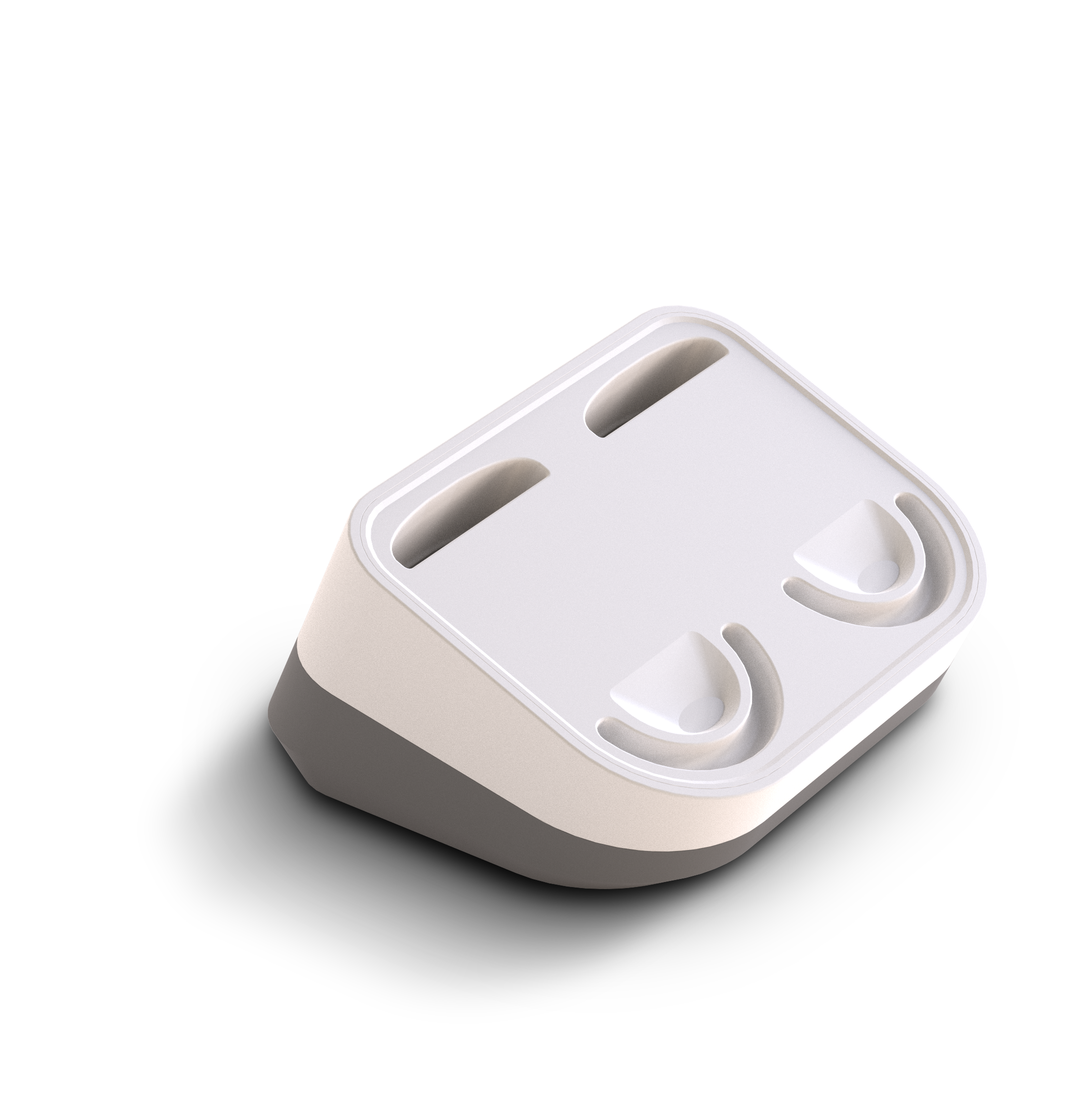
alea-Dock and alea-Router

Dock_no-Clip.svg
alea-Dock

How do I connect the alea dock to the power supply?

  • Plug the supplied cable into a fixed socket and ensure that the cable is secured and does not pose a safety risk.

  • Ideally, the alea dock should be positioned at least 30 cm away from other electronic devices.

Step by step (text and video)

https://youtube.com/shorts/oSQJAwYRTUE

  1. Plug the USB-C cable into the bottom of the alea dock

  2. Place the cable in the recess at the bottom for optimum stability of the alea-Dock

How does the alea dock send the data to the apps?

  • The device records the data from the alea-Clip via Bluetooth and then sends it to the alea-Cloud via Wifi and/or LTE .

  • There, they are analysed by algorithms and sent as information to the alea app.

  • All you need to do is check the function status in the alea app regularly.

How do I see if the alea clips in the alea dock are fully loaded?

  • When the alea clip is removed, it briefly flashes green 3 times.

  • If the alea clip is only half charged, it flashes yellow and

  • If it flashes red, the battery status is (too) low.

Step by step (text and video)

https://youtube.com/shorts/PrIwpfSkTQk?feature=share

  1. Pull out the alea clip

  2. Insert the alea clip back into the alea dock - you can see the battery status from the LED colour.

The alea dock seems to have a problem, how do I solve this?

  • If the alea-Clips do not emit any LED battery indicators after charging or the alea-Dock does not receive any data despite being sufficiently close to the alea-Clip, press the reset button on the underside of the alea-Dock with a pointed object.

  • Wait a few minutes and continue using the device.

  • If the problem persists, exchange the device for a replacement device from the ward store and inform your care manager. They can order replacement devices if necessary.