
alea clip
|
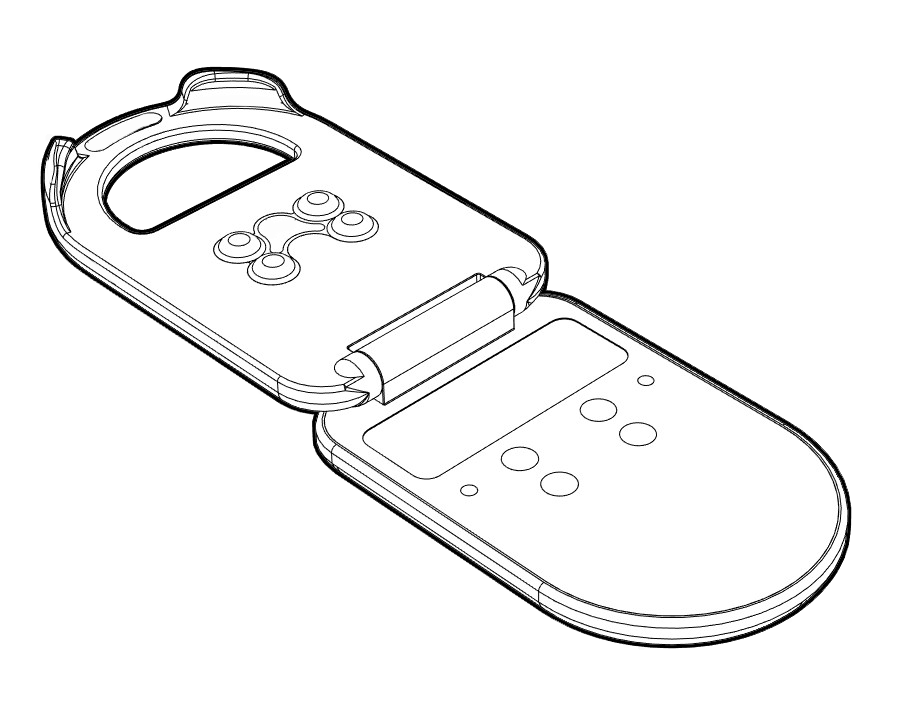
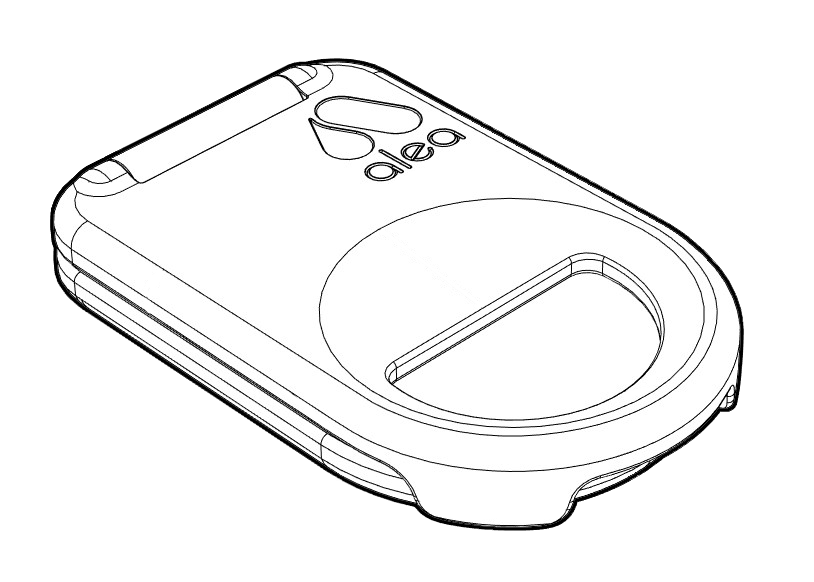
Is attached to the smart IKP and recognises data from the alea sensor strip, e.g. urine level. Service life: 3 years |
|---|
|
|
Handling
-
On the IKP: The alea clip is attached to the front or back of the smart IKP with alea-compatible sensor strips in one of the pockets attached to the outside.
-
On the alea dock: Hold the alea clip with your hand to remove it from the alea dock and insert it into the dock.
Technical background
-
The alea-compatible sensor strip on the smart IKP and the alea clip are designed and intended to determine the exact filling level of the IKP.
-
The alea clip is designed to provide users with data such as movement data, including the fill level of the IKP.
-
The range of the remote communication unit installed in the alea-Clip is up to 20 metres.
-
Within this distance, the alea dock reliably picks up the signal from the alea clip.
-
However, the range can vary depending on the building structure.
alea dock
|
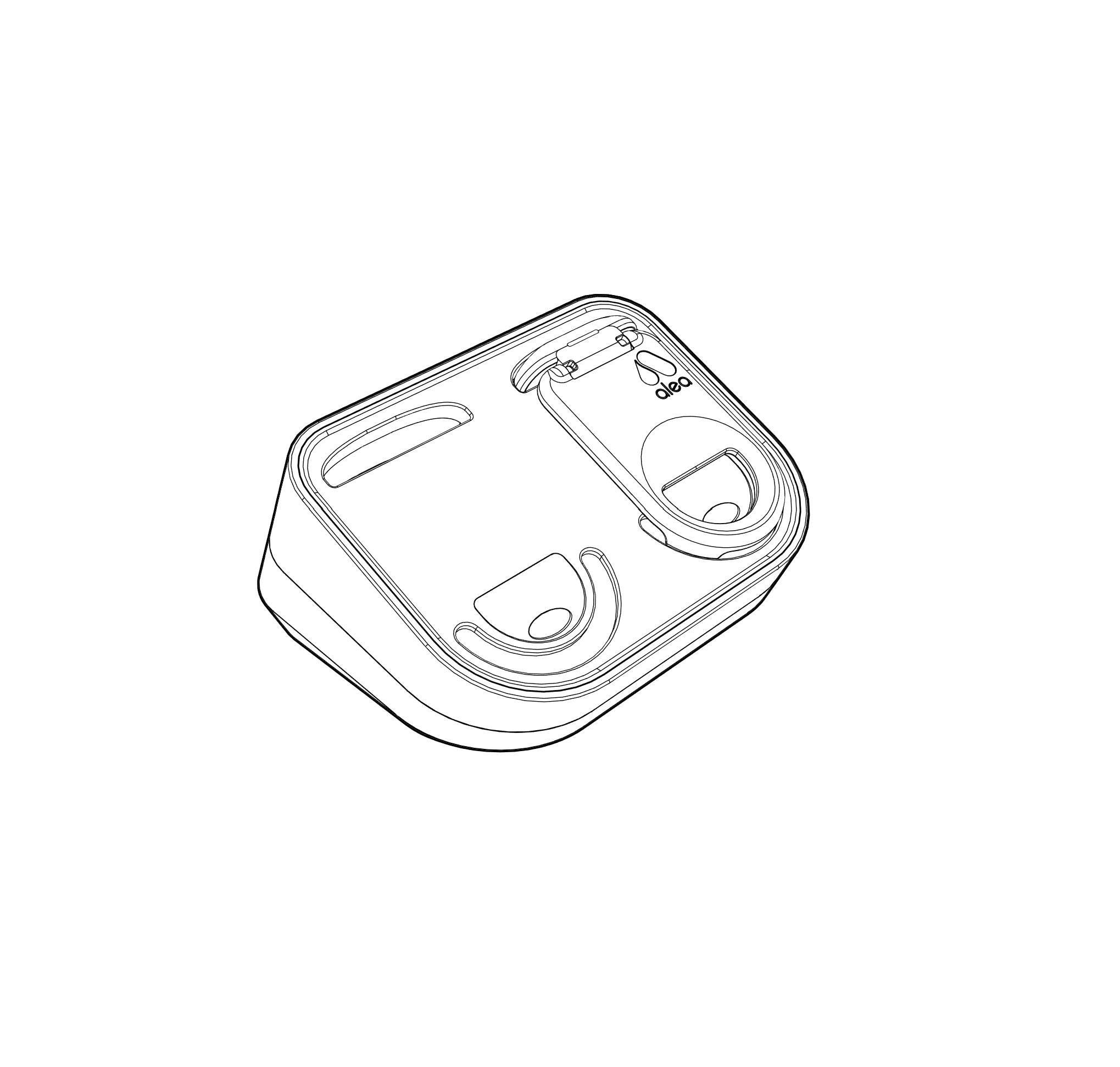
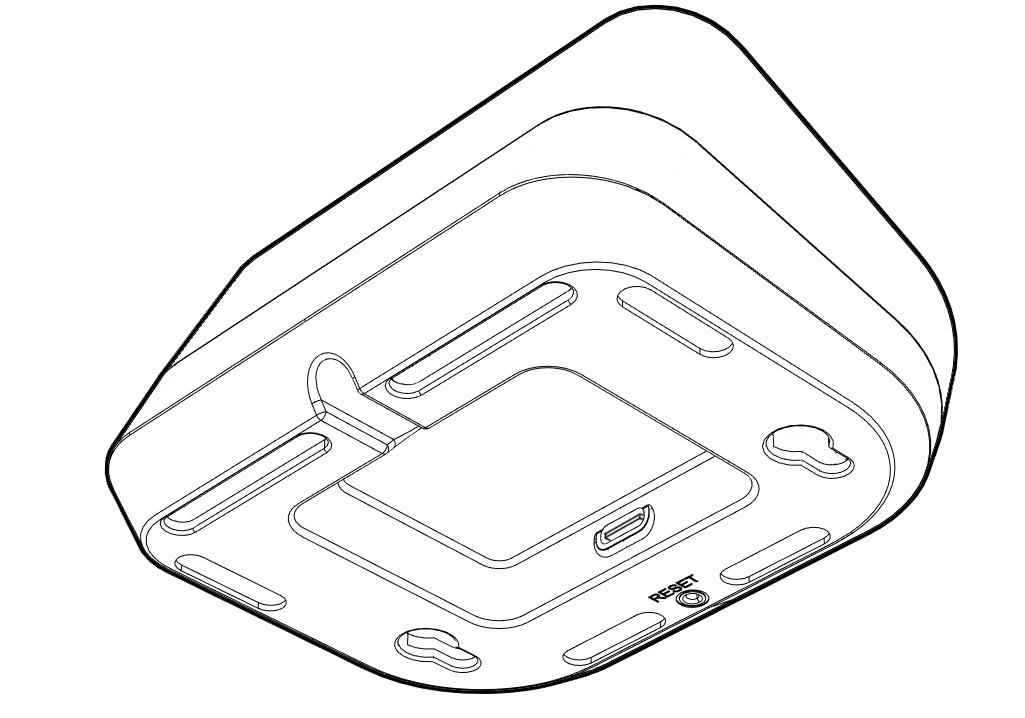
Loads the alea clips and sends care data to the alea cloud. Service life: 3 years |
|---|
|
|
Handling
-
With alea-Clip: Recording device for charging the alea-Clips by simply inserting the alea-Clips into the slots provided.
-
In general: The alea dock is solely responsible for the technical data transport, which is completely automatic and continuous.
Technical background
-
There is an LTE chip inside the housing that sends the data to the alea cloud without a local WLAN or WiFi. However, it is also technically possible to send the data via the respective local WLAN/WiFi.
-
The alea dock fully charges the alea clip within 4 hours.
-
It is connected to a power socket with a USB-C cable to enable the alea clips to be charged at any time and to ensure data transfer.
-
The range of the remote communication unit built into the alea-Dock is up to 20 metres. Within this distance, the alea-Dock reliably picks up the signal from the alea-Clip. The range can vary depending on the structural conditions at the care location and care setting.
alea router
|
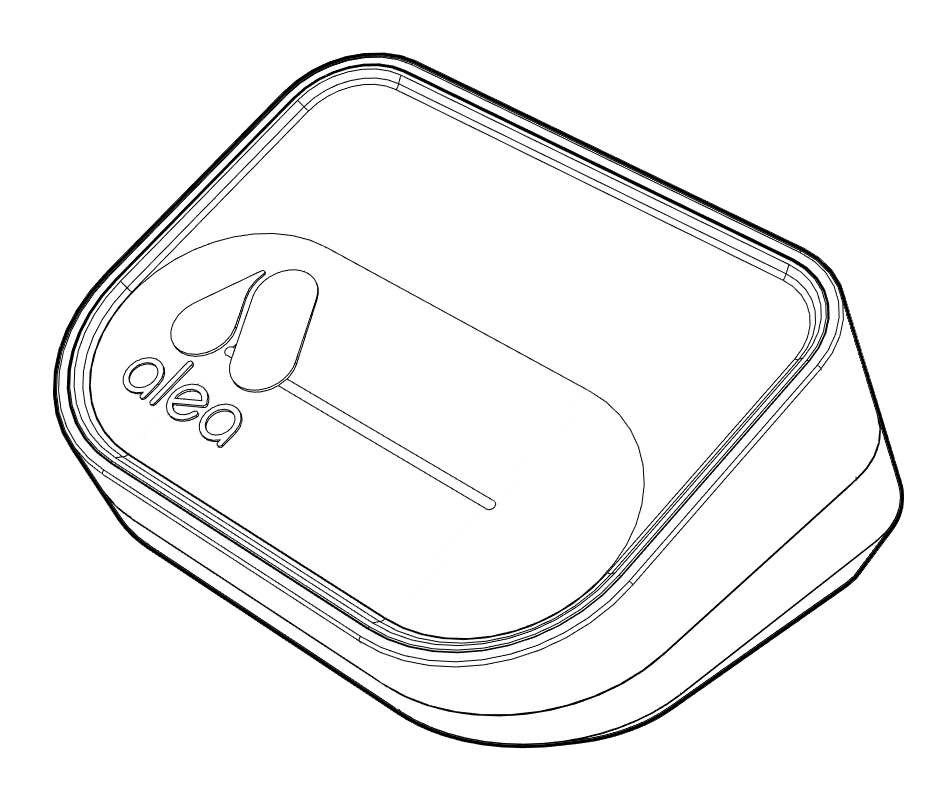
Supports the alea dock and ensures smooth data transfer in all internal areas of the primary care setting. Service life: 3 years |
|---|
|
Handling
-
The alea routers are not (usage-relevant) components in the active application or in everyday care.
Depending on the customer's requirements and the care setting, a one-off installation is carried out by the manufacturer at the place of use. -
Installation is also possible by the customer and the user (see chapter of these instructions for use).
Technical background
-
alea routers are modelled on the alea docks or are a modified version of them.
They amplify the data transfer wherever the alea docks stationed in the care recipients' rooms cannot ensure network coverage on their own (i.e. all areas outside the respective rooms). It is therefore a pure signal booster for 100% alea network coverage. -
The range of the alea routers depends on the local and structural conditions of the care setting. As the manufacturer, we will check this on an individual basis and install as many alea routers as necessary to ensure optimum network coverage for the use of alea. At present, an alea router is able to receive data from an alea clip from a distance of generally up to 20 metres.
alea-Cloud
-
Data servers and algorithms
-
Converts data received from the alea dock into care information via algorithms.
Handling
-
The alea cloud is not a component in the active application or in everyday care, but is only used to process and store all system data.
Technical background
-
The data is processed in the alea cloud and prepared for transmission to the alea app and alea cockpit.
-
The algorithm for incontinence working there is intended for use in analysing the IKP fill level data provided by alea docks and alea routers.
-
The algorithm working there for repositioning care recipients in the care bed is designed to analyse the data provided and monitor movement.
-
The fall detection algorithm working there is designed to analyse and prevent falls.
-
The algorithm working there for recognising walking tendencies by leaving defined areas is intended for zone management (zone management) for or by dementia patients.
alea app
|
Shows the care status of care recipients and notifies of new events. |
|---|
|
Handling
-
This component is the main user component and is used to provide status information for each function.
-
It is intended for multiple or continuous use by the carer via a PC and browser, mobile phone and/or tablet.
-
It can be used by carers and/or care recipients via mobile devices, but stationary computers via browsers are also possible.
Technical background
-
It is a digital software for mobile and stationary end devices (smartphone, tablet, PC and digital screens) and works exclusively with active alea components.
-
The alea app can be downloaded to Apple and Android devices and contains all the familiar operating logic that most users generally use with apps in everyday life.
-
The alea app for use on mobile devices is downloaded from the relevant store, and individual user accounts can be created via the alea Cockpit (see corresponding section in chapter 2). (see corresponding section in Chapter 2).
Using the alea app in the browser on stationary computers or digital screens works in the same way as the alea cockpit, in which AssistMe provides a URL where the account log-in data is entered.
alea cockpit
|
Administrative software for entering and managing all alea and care data and for communicating with the relevant care documentation (if available). |
|---|
|
Handling
-
The main function is the configuration of the alea hardware and the assignment of care recipient data to be entered here with the respective alea dock.
-
In general, care recipient and resident data management takes place here - later also communication with the care documentation system and other operating programmes
Technical background
-
The alea cockpit is an administrative platform that is used in a web browser and is intended for use by care managers.
-
The access data and the URL for your respective care setting will be provided by the manufacturer, as will the access data for the first login.