
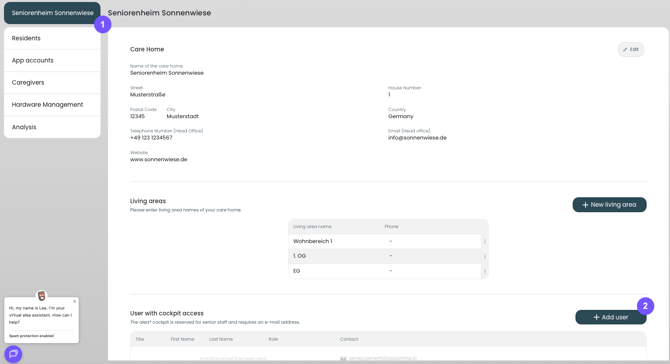
Additional alea Cockpit accounts can be created in the alea Cockpit – to do this, click the “Add user” button (2) in the Maintenance Settings tab (1).
You can also follow this link: https://cockpit.aleacloud.de/care-home
New users are invited to the alea Cockpit via email; they must click the link in the invitation email and then set a password.