Skip to content
English
  • There are no suggestions because the search field is empty.

What do I do after receiving an invitation to the alea Cockpit?

Register and log in for the first time

Step 1 of 5

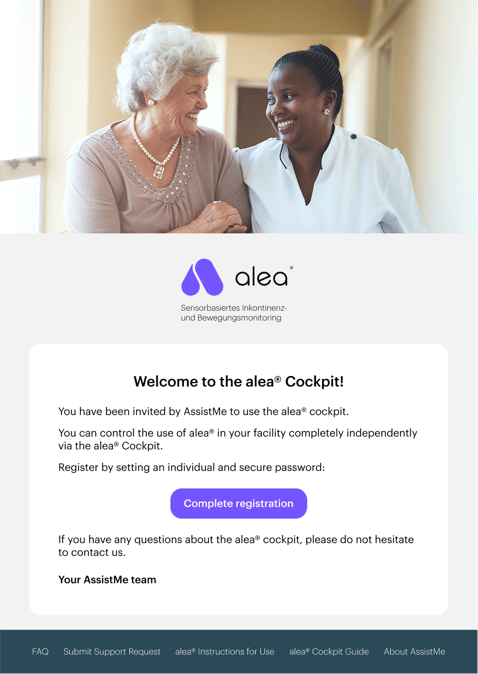
  • You will receive an invitation to alea-Cockpit by email.
  • You can invite new alea-Cockpit users via email in the Care Facility tab.
  • Click on the ‘Complete registration’ link in the email.

Step 2 of 5

 
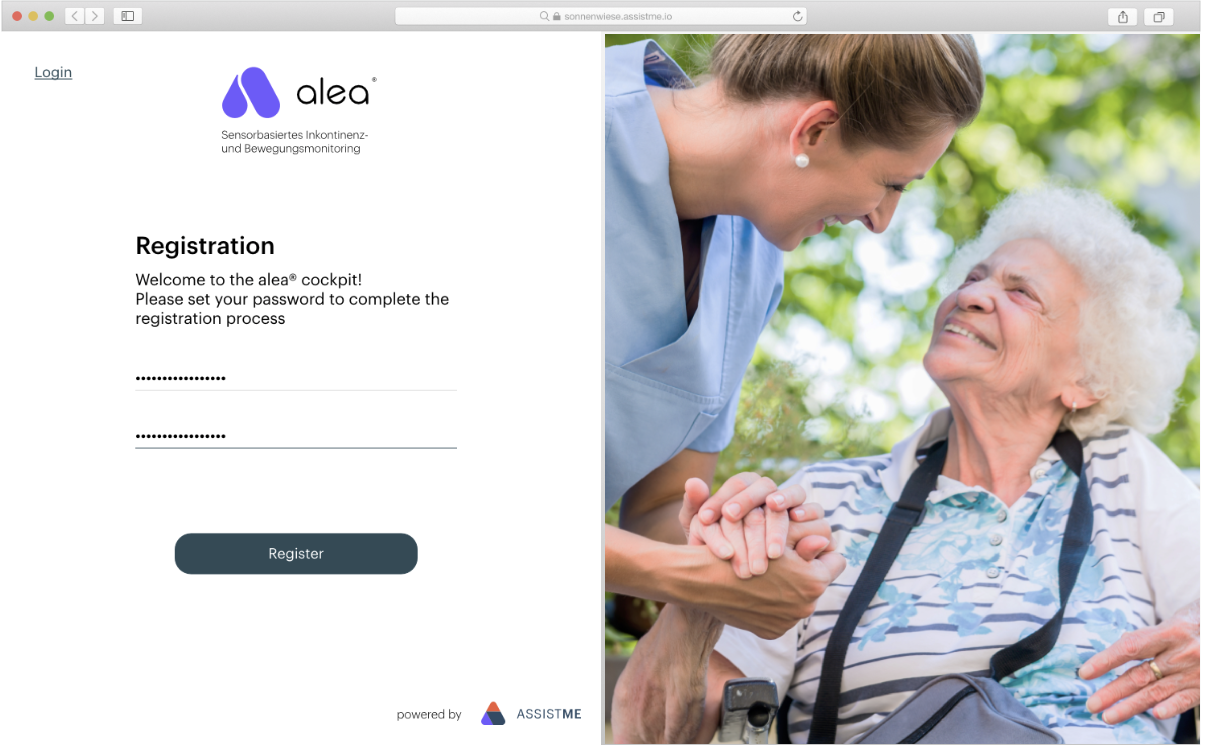
  • Set a password by entering it twice.

  • Then click on the Register button 

Step 3 of 5

 
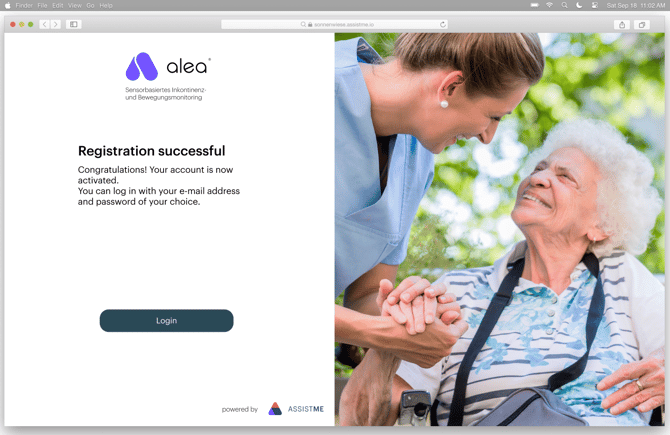
  • The registration was successful.

  • Click on Login. 

Step 4 of 5

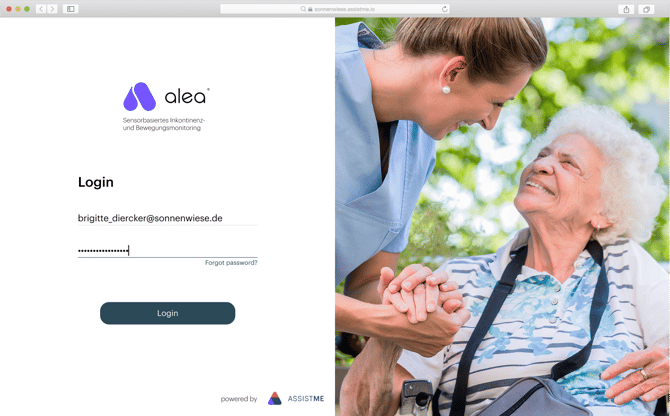
  • The login page can be accessed via the URL https://cockpit.aleacloud.de/login#.

  • Log in with your e-mail address and your chosen password.

  • Use the e-mail address to which the invitation to the cockpit was sent.

  • If you have forgotten your password, you can reset it by entering your registered e-mail address. 

Step 5 of 5

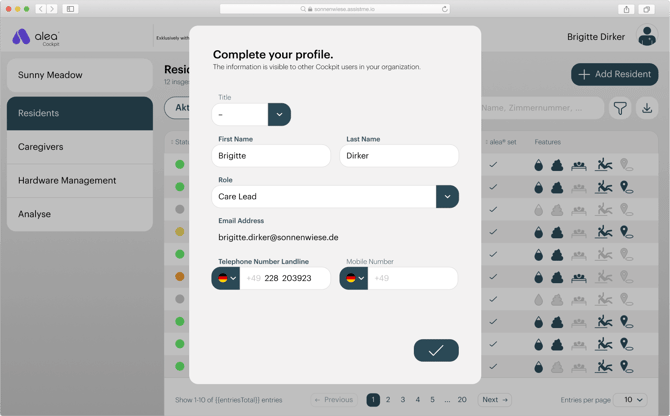
  • When you log in to the alea Cockpit for the first time, you will be prompted to complete your profile in a pop-up window.

  • First name, surname, function and telephone number (landline) are mandatory.

  • Then click on the Finish button (tick at the bottom right)