
When the alea clip is removed from the Dock, the LED indicates the charge status:
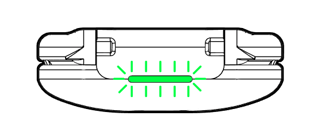 |
Green (flashing 3 times): Clip battery fully charged. Can be used for up to 24 hours. |
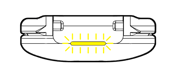 |
Yellow: Clip battery is half full. Can still be used, but a full charge is recommended. |
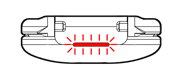 |
Red (flashing 3 times): Clip battery low. We recommend charging before use. The clip will be fully charged within 4 hours. |
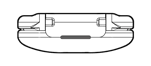 |
No light: The clip is flat or not working. Solutions: a) Place the clip in the dock and use it the next time you change the IKP. b) Clean the clip. c) If the clip still does not light up on the next attempt: contact the person responsible for alea or the alea support. |